
Accounting has a manual work problem and AI is exposing it. The finance teams spending hours on invoice entry, transaction matching and close prep aren’t spending that time because it requires their expertise – they are doing it because no one has automated it yet.
Growing transaction volumes, tighter close expectations and escalating demands for real-time reporting are pushing teams toward AI faster than most governance frameworks have kept pace. The accounting teams making it work aren’t adopting AI wholesale. They’re identifying where the manual effort is highest, designing approval logic before selecting tools and keeping audit evidence embedded in the enterprise resource planning (ERP) platform from the start.
Key highlights:
- Using AI in accounting starts with mapping existing workflows before selecting tools, so AI fits into the process rather than around it.
- The highest-value use cases for AI in accounting share a common trait: well-defined rules and natural human review checkpoints.
- A working approval model defines which decisions AI can accelerate, which require human sign-off and how every action gets logged.
- Zone & Co’s solutions deliver finance-ready AI inside NetSuite, where approval routing, audit history and ERP context are built into the workflow.
What is AI in accounting?
When finance teams discuss AI in accounting, they might think of point solutions like copilots and chatbots. These tools can help write code and format spreadsheets, but they may not have the data or context required to generate narrative summaries, flag anomalies or forecast with any accuracy.
AI in accounting, at a practical level, means applying machine learning and rules-based automation to the high-volume, low-judgment tasks that slow down accounts payable (AP), reconciliation and close prep. What separates useful AI from another integration to manage is ERP context: whether the AI draws on live financial data, respects existing approval logic and generates an auditable log of every action it takes. Without that, the time you save comes with security and data risks.
The basics of using AI in accounting
You may jump straight to evaluating AI tools for your finance and accounting. However, if you map the workflow first, tool selection becomes straightforward. If you skip it, you end up choosing a solution before you have defined the problem, and that’s where AI adoption in finance fails.
Understanding what NetSuite AI looks like inside an ERP-native context shapes how finance teams frame the workflow questions before tool selection. The four questions below are the right place to start.
- Where is the manual work concentrated? Identify the steps in your AP, reconciliation and close processes where the most human hours go toward low-judgment tasks. Invoice data entry, statement line matching and period-end reporting assembly are the typical concentrations in mid-market accounting teams.
- Where do exceptions and escalations originate? AI performs well on high-volume, pattern-based work. It needs structured support on exceptions. Map where exceptions enter your workflow now and how they get routed. That map becomes the template for your human review design.
- Where is the audit trail weakest? Close activities that rely on email threads, shared spreadsheets or undocumented manual steps are both the biggest control risks and the areas where AI-generated logging adds the most value.
- What does your ERP already know? AI inside NetSuite can draw on your chart of accounts, transaction history, approval policies and vendor master data. AI running outside the ERP cannot. That distinction matters for accuracy, security and auditability.
Answering these questions takes a few hours with the right stakeholders, but it gives you a ranked list of workflow targets and the foundation for a control-conscious rollout.
3 finance workflows to start using accounting AI
Most AI in accounting examples cluster around three workflow areas: AP triage, reconciliation review and reporting prep. These are the right places to start because they combine high manual volume with well-defined rules.
AP automation
Accounts payable is where most teams first encounter how AI is used in accounting at scale. The core task, receiving a vendor invoice, extracting its data, matching it against a purchase order and routing it for approval, is repetitive, rule-bound and high-volume. Without automation, processing an invoice can cost $8.78 on average, according to the Institute of Finance & Management.
AI assists AP processes in three ways:
- Intelligent OCR reads invoice documents and extracts key fields: vendor name, invoice number, line items, amounts and payment terms.
- AI matches extracted invoice data against purchase orders and receipts, flagging discrepancies rather than letting them advance.
- AI routes clean invoices automatically and queues exceptions for human review.
The AP workflow should define what AI handles automatically, what it flags and what always requires a human decision. For example, AI should identify and raise for human review three-way match variances above a set threshold, a vendor not in the approved vendor master or a duplicate invoice number. The return on investment is removing manual handling of routine cases, but keeping the anomalies.
Reconciliation review
AI in reconciliation reads statement data, matches transactions against ERP records and surfaces unmatched items for human review. But the decision to close the reconciliation stays with the controller. What AI changes is the time spent on the matching work itself, and the clarity of what requires human attention.
The value is significant when auditing the process. When AI handles the matching and produces a log of every matched and unmatched transaction, the reconciliation file carries its own evidence trail. The controller can review and approve the output from an exception queue rather than sifting through a spreadsheet.
Reporting prep
Reporting prep tasks that AI handles well are pattern-recognition tasks like pulling trial balance data, summarizing period-over-period variances, flagging accounts that moved outside expected ranges and structuring narrative drafts from underlying data. Controllers still review the output, validate the narrative and make the analytical decisions while AI removes the assembly work.
How to create controls for AI in accounting
The control question in AI accounting adoption comes down to this: which decisions can AI accelerate, and which require a human to own the outcome? You create an approval model that the AI operates within and remains auditable and trustworthy. A working approval model has four components:
- Scope definition: Each AI-assisted workflow should document exactly what the AI does, what data it reads, what it produces, what it routes automatically and what it flags. When something goes wrong, scope definition is what tells you whether the AI performed correctly but the scope was too broad, or whether the AI made an unexpected error.
- Threshold rules: Decisions below a defined threshold move automatically while decisions above require human review. In AP automation, that might be invoice amounts above a set value, new vendors or line-item mismatches above a percentage variance. Threshold rules should be set by finance, reviewed periodically and logged as part of the workflow configuration.
- Human review touchpoints: Every AI-assisted workflow should have at least one mandatory human review step before the output affects the financial record. For AP, that is approval before payment release. For reconciliation, that is controller sign-off before the period closes. For reporting prep, that is finance leadership review before distribution.
- Audit logging: Every AI action should generate a log entry: what was processed, what decision was made or recommended, what the approval status is and who acted on it.
An AI for accounting checklist for finance teams
Most AI rollouts in accounting stall not because the technology fails, but because governance design was not completed before deployment. Use the checklist below as a starting point for your team’s governance framework
1. Name and define owners
Every AI-assisted workflow needs a named owner in the finance team who understands the workflow, sets the threshold rules, reviews exception queues and is accountable for what the AI does in their process.
According to Zone & Co’s “AI Impact vs. Hype in Finance” report, only 9% of teams that implement AI with no defined owner only report a positive ROI compared to 46% of teams that report positive ROI when CFO or finance leadership own it. A workflow without a finance owner willing to accept that accountability is not ready for AI deployment.
2. Set thresholds
Define transaction-level thresholds before go-live:
- Invoice auto-processing limit: The value below which clean invoices route without human intervention
- Matching tolerance: The percentage variance that triggers a human exception review
- Vendor conditions: Categories of vendors, including new, single-source and high-value, that always require human review regardless of amount
- Period-end lock conditions: The sign-off rules that must be satisfied before a reconciliation or period close is marked complete
Thresholds should be documented and reviewed quarterly. As transaction patterns change, thresholds appropriate at implementation may need adjustment.
3. Keep and require human-in-the-loop
The design of the human review queue is where control frameworks succeed or fail. A queue that surfaces everything is no better than a spreadsheet. But if that queue is designed around genuine exceptions, clearly ranked by risk and routed to the right reviewer, succeeding at implementing AI in accounting is much easier.
Design your review queue to show exception type, amount, age in queue and recommended action. The reviewer’s job is to decide on what the AI has identified as genuinely uncertain or above threshold. Finance teams save time by removing human involvement in routine processing, not from removing human judgment from consequential decisions.
4. Map audit trails and evidence
Every approval action, exception resolution and threshold override should generate a system note tied to the transaction and the user who acted. For teams under external audit, showing the approval chain for a transaction should happen in seconds from within the ERP, not through a reconstruction from email records and spreadsheet history.
The audit file for an AI-assisted close is stronger than the audit file for a manual close, because the evidence of what happened and who approved it is built into the workflow rather than assembled after the period ends.
Use AI in accounting safely with Zone & Co
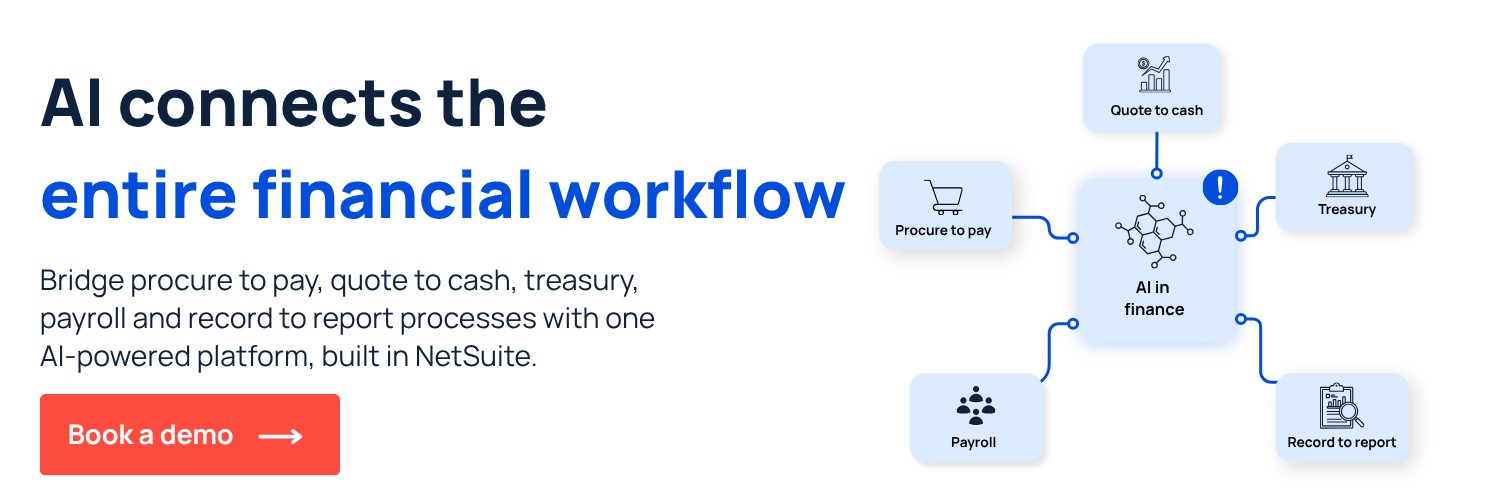
Zone & Co is the AI operating system for finance in NetSuite, built to run across the full accounting workflow – not as a bolt-on, but embedded natively inside the ERP your team already uses. Zone’s finance-native AI platform keeps every action traceable inside NetSuite – no black-box outputs, no separate access paths, no data leaving the ERP.
- ZoneCapture handles intelligent invoice capture, duplicate detection and three-way matching inside NetSuite AP workflows
- ZoneReconcile automates transaction matching and exception flagging directly inside the general ledger
- ZoneApprovals manages approval routing and workflow logic inside NetSuite, keeping every sign-off connected to the financial record
- ZoneProcure brings contract intelligence and approval logic into procurement workflows, keeping spend connected to the financial record
See how it works in your environment. Book a demo with the Zone team and walk through Zone's AI inside a live NetSuite instance.