
NetSuite-native. Connected where it counts.
Zone keeps NetSuite your finance command and control center. AI-powered orchestration connects CRM, banking, payment, and reporting directly into your ERP.




.svg.avif)




Other integrations with Zone


Stop bouncing between systems. Start running finance from NetSuite.
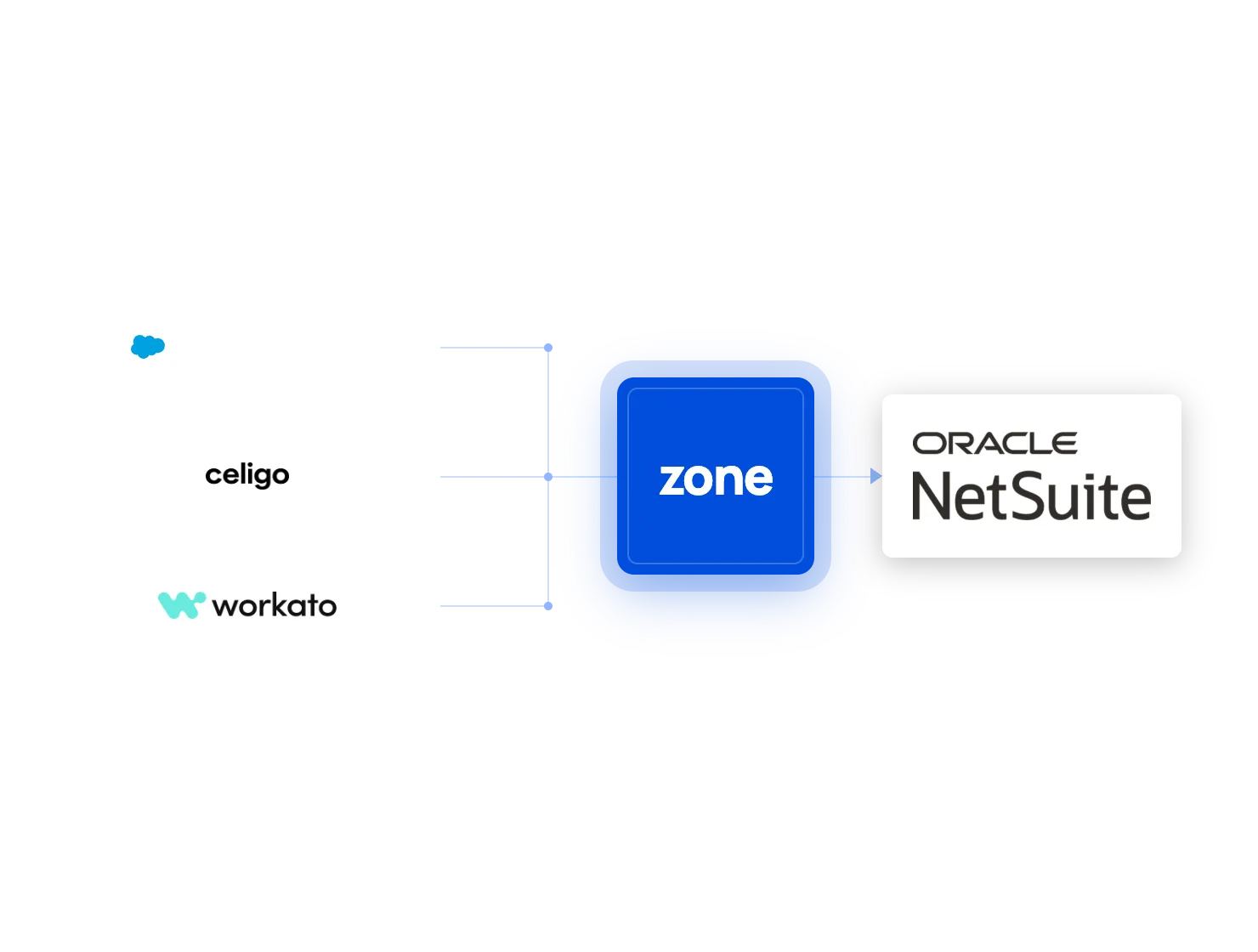
Connect CPQ with Billing
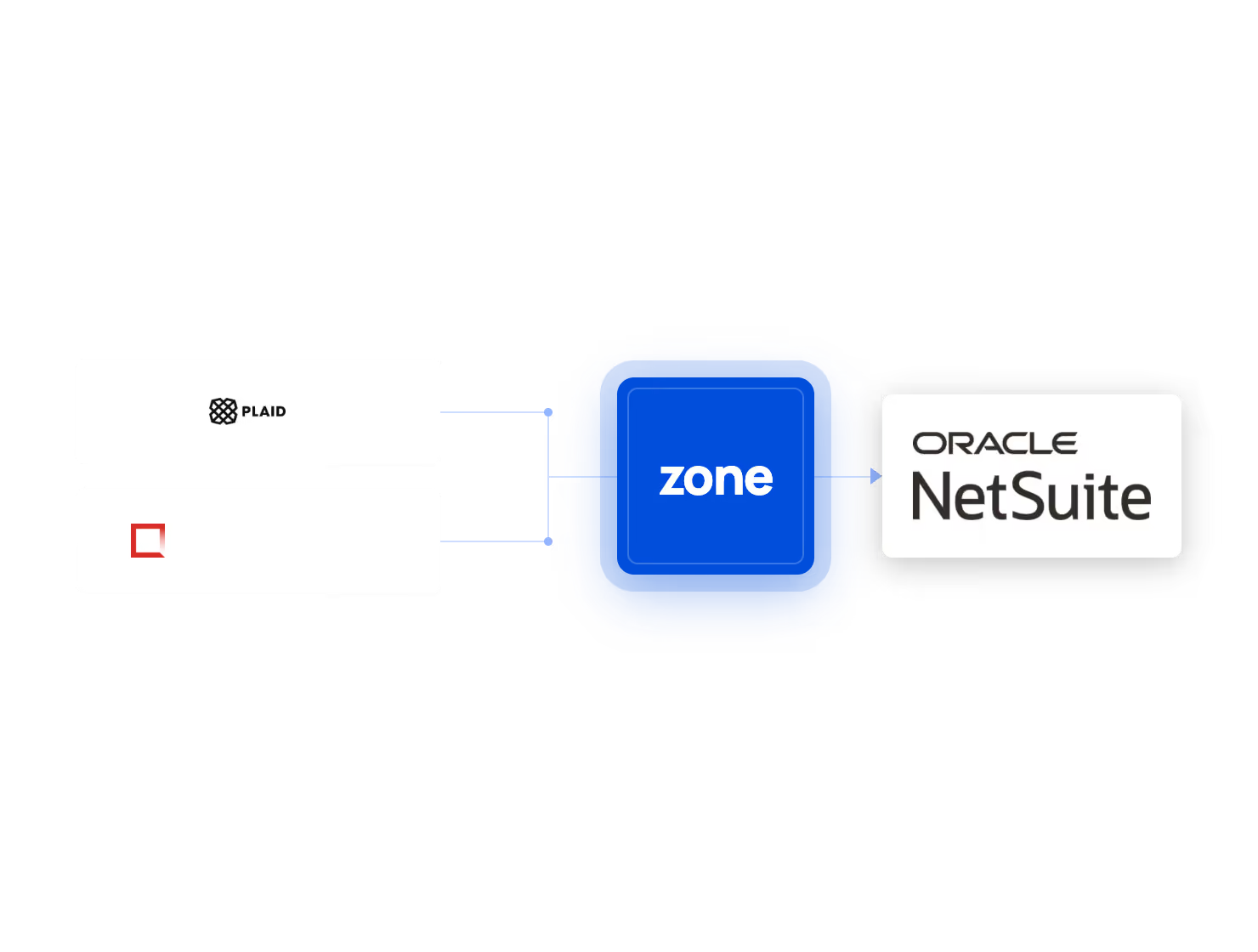
Bring Banking into NetSuite
E-invoicing brought into AP processes
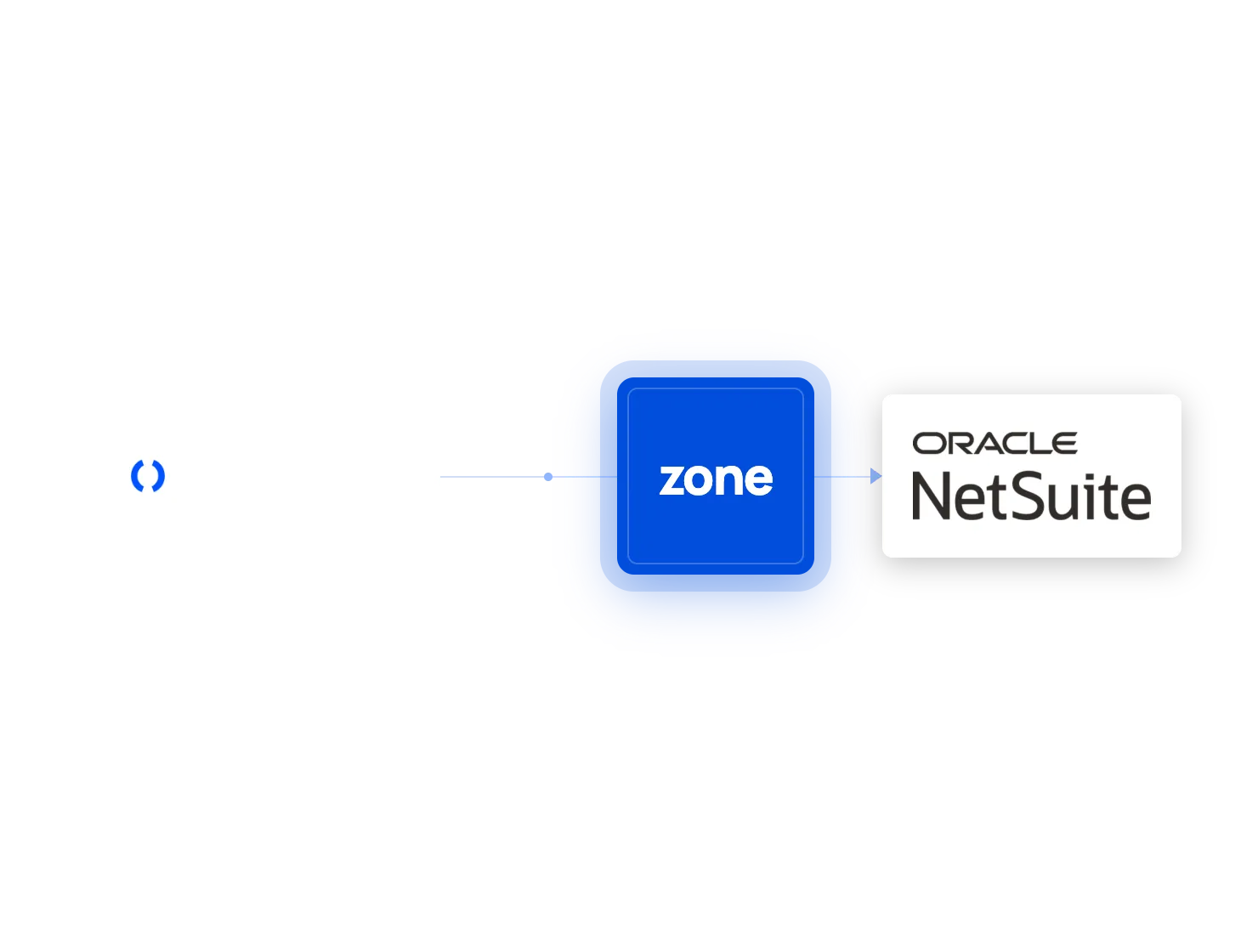
Your payment portal inside the ERP
Build NetSuite reports, anywhere
Frontier-model AI, governed in NetSuite
Connected without compromising control
Frequently asked questions
What NetSuite integrations does Zone & Co support?
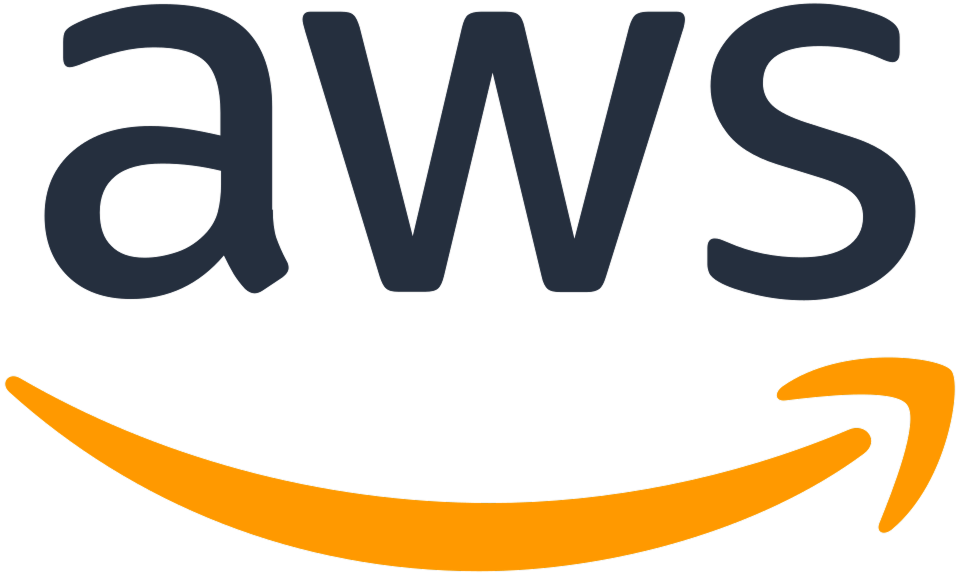
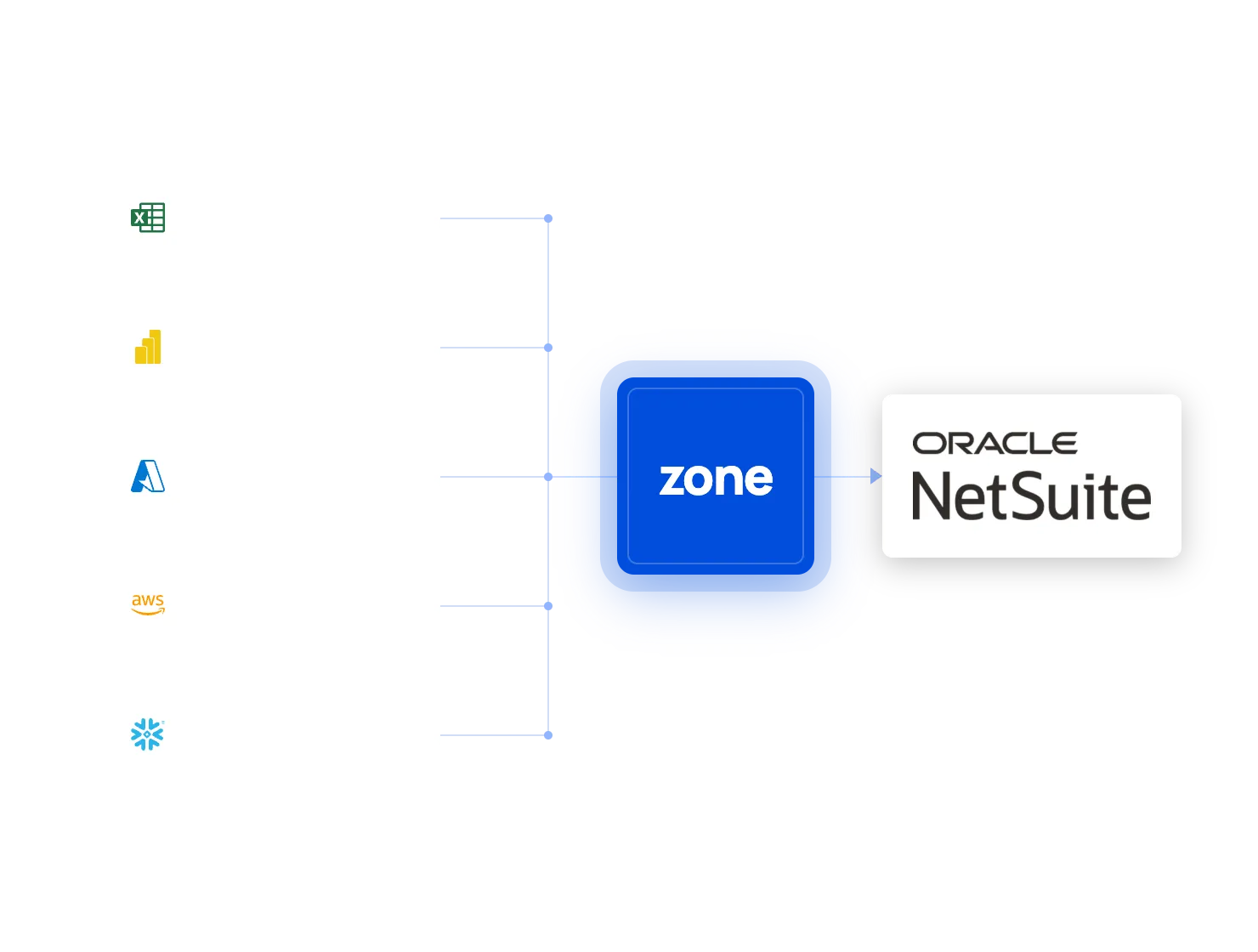
Zone supports connections between NetSuite and the systems finance teams use for CRM, billing, banking, payments, reporting, analytics and AI. Examples include Salesforce, Microsoft Excel, Microsoft Power BI, Microsoft Azure, AWS, Snowflake, Celigo, Workato and selected banking and payment providers like Stripe, Plaid, and Basiq platform via Cuscal.
Is Zone & Co native to NetSuite?
Core Zone product are built directly inside NetSuite, allowing finance teams to manage billing, accounts payable, reconciliation, payroll and other financial workflows without moving core processes into another system.
Where a finance workflow depends on an external system—such as a CRM, bank, payment provider, reporting platform or AI service—Zone connects it while keeping NetSuite at the center of financial control.
What does “NetSuite-native, but connected where it counts” mean?
It means keeping accounting logic, financial records, workflows and controls in NetSuite while connecting the specialized systems used across the business.
For example, a sales opportunity may originate in Salesforce, but the resulting subscription, billing rules and accounting activity can be managed through ZoneBilling in NetSuite. Reporting data may be delivered to Excel or Power BI, with drillback to the underlying NetSuite records. And AI is secure and controlled inside NetSuite.
Can Zone connect Salesforce and NetSuite?
Yes. Zone can connect Salesforce opportunities and contract information with billing and reporting workflows in NetSuite. This reduces manual rekeying, duplicate records and the risk of sales and finance working from different information.
Explore the Zone Salesforce integration or learn how ZoneBilling connects Salesforce and NetSuite.
Can I connect NetSuite to Microsoft Power BI?
Yes. ZoneReporting provides governed NetSuite data models and prebuilt Microsoft Power BI dashboards for financial, SaaS, sales, supply-chain and operational reporting.
Finance teams can combine NetSuite information with selected external data sources while retaining drill-back visibility into the financial records behind the results.
Can I access NetSuite data in Microsoft Excel?
Yes. Solution 7 by Zone connects Microsoft Excel with NetSuite so finance teams can create, refresh and analyze financial reports in a familiar spreadsheet environment.
This reduces the need to repeatedly export NetSuite reports, copy data between files or rebuild the same reporting packs each period.
Can Zone send NetSuite data to Azure, AWS or Snowflake?
Yes. The Zone Data Warehouse delivers structured NetSuite data to cloud data platforms and analytics environments, including Microsoft Azure and other supported destinations.
This gives finance and data teams a governed source for reporting, business intelligence and enterprise analytics without requiring them to build and maintain the complete NetSuite data pipeline themselves.
Does Zone support bank connectivity and payment reconciliation in NetSuite?
Yes. ZoneReconcile brings bank and payment activity into NetSuite-based reconciliation workflows.
Finance teams can reduce statement downloads, manual transaction matching and spreadsheet-based investigations while maintaining visibility into exceptions, adjustments and the records supporting each reconciliation.
How does Zone connect AI with NetSuite?
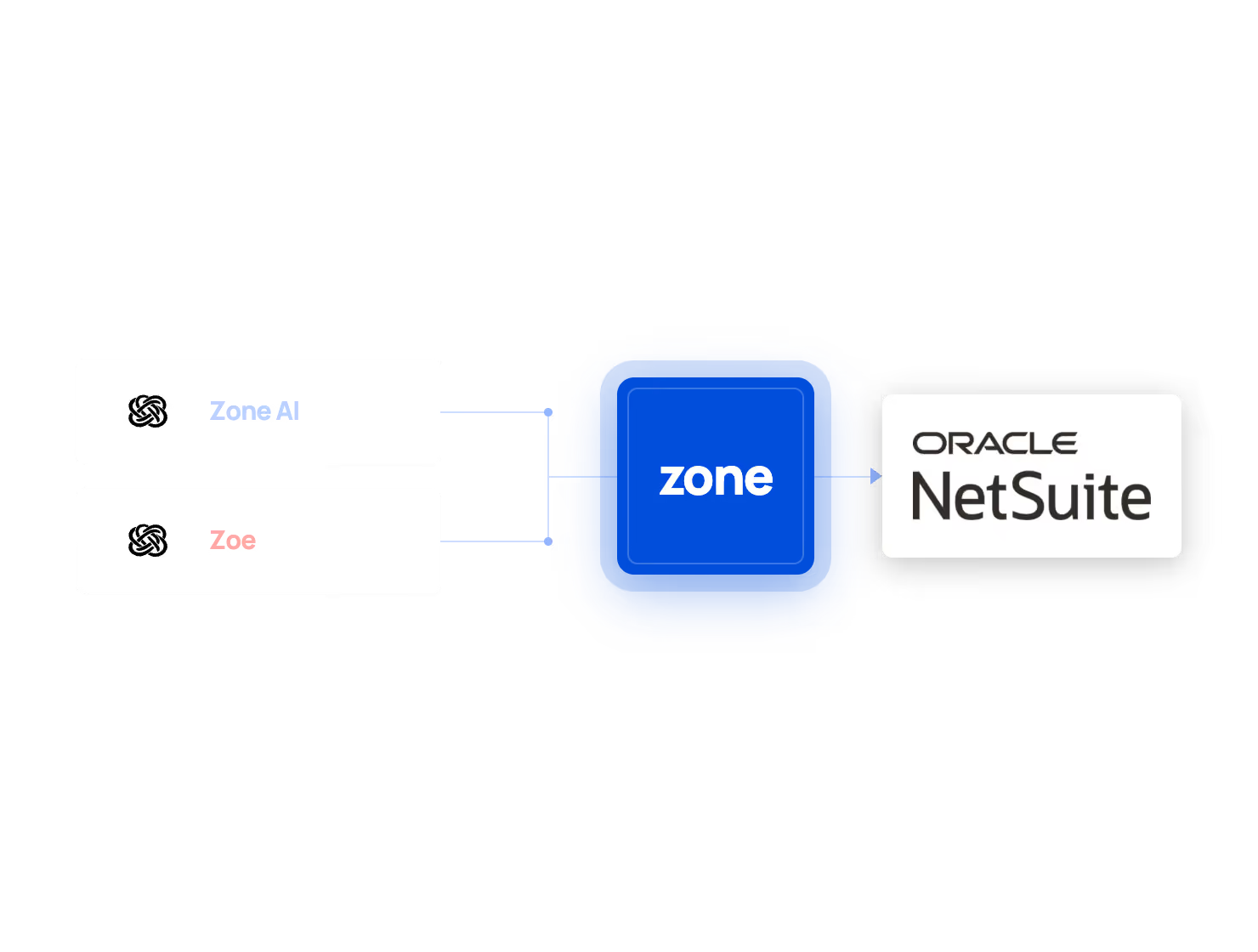
ZoneAI brings enterprise-grade AI capabilities into finance workflows accessed through NetSuite. AI processing may use controlled external model services, but the user experience, financial context and governance remain connected to the NetSuite workflow.
ZoneAI respects NetSuite permissions, uses logging and retention controls, provides traceable outputs and does not use customer data to train AI models. Finance users retain oversight of decisions and financial actions.
Are Zone’s NetSuite integrations secure?
Zone reviews third-party integrations and applies security controls to protect data as it moves between approved systems. Zone’s NetSuite-native products also inherit and extend NetSuite security features, including role-based access and controlled permissions.
Learn more about product security, third-party integration reviews and compliance in the Zone Trust Center.
How do I choose the right way to connect another system with NetSuite?
Start with the financial workflow rather than the technology alone. Identify which system should own the underlying record, where accounting logic belongs, what information needs to move and which team needs to act on it. If the key team is finance, then the workflow likely belongs in NetSuite ERP.
How does ecosio connect with NetSuite?
ZoneCapture connects with ecosio (a Vertex company) to exchange structured invoices through supported e-invoicing networks. ecosio supports the external exchange, while finance manages validation, exceptions, approvals and accounting records through the NetSuite workflow.
How does TransferMate work with NetSuite AP Payments?
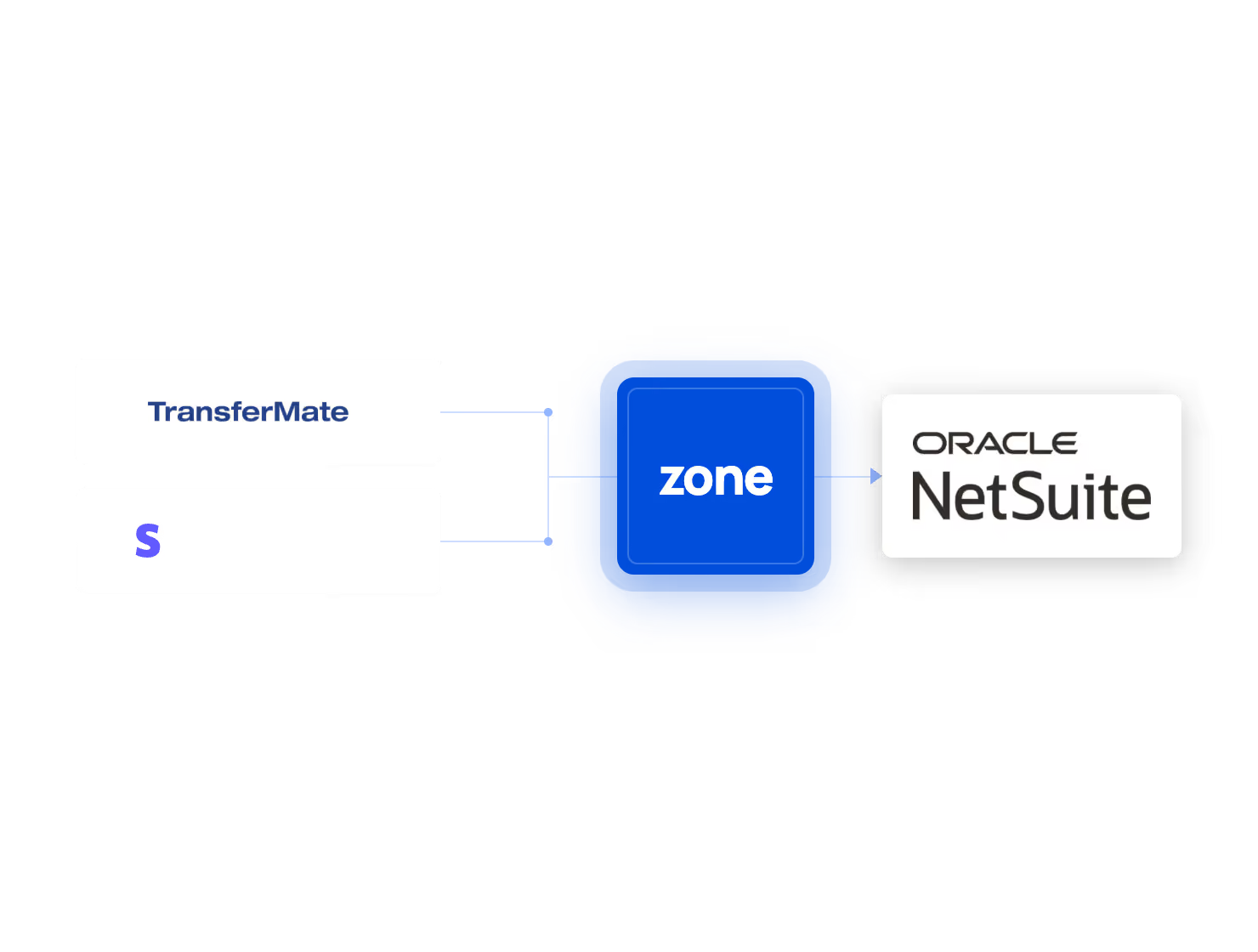
With Zone AP Payments – a part of Zone’s global AP Automation solution – finance executes vendor payments directly in NetSuite. TransferMate executes the movement of funds through its regulated payment infrastructure and returns relevant payment status information to the Zone accounts payable workflow.
Can customers pay NetSuite invoices through Stripe?
Yes. ZonePayments connects NetSuite billing and accounts receivable workflows with Stripe, allowing customers to pay through supported digital payment methods.
