What is invoice management?
Improve your invoice management → Book a demoInvoice management is the end-to-end process of receiving, tracking, approving and paying vendor invoices throughout the accounts payable (AP) cycle. It covers everything from when an invoice arrives – by email, mail or supplier portal – through GL coding, approval routing, enterprise resource planning (ERP) platform posting and payment.
When invoice management runs well, vendors are paid on time, the AP balance in the ERP accurately reflects outstanding obligations and the close is clean. When it becomes unmanageable at scale, invoices get duplicated, approvals stall, the cash forecast drifts and month-end becomes a search for missing documents.
Why invoice management matters
Invoice management is the process that prevents invoices from getting buried in email chains and causing late payments, reconciliation issues and damaging vendor relationships. The challenge for most finance teams is building a good invoice management process that holds at scale.
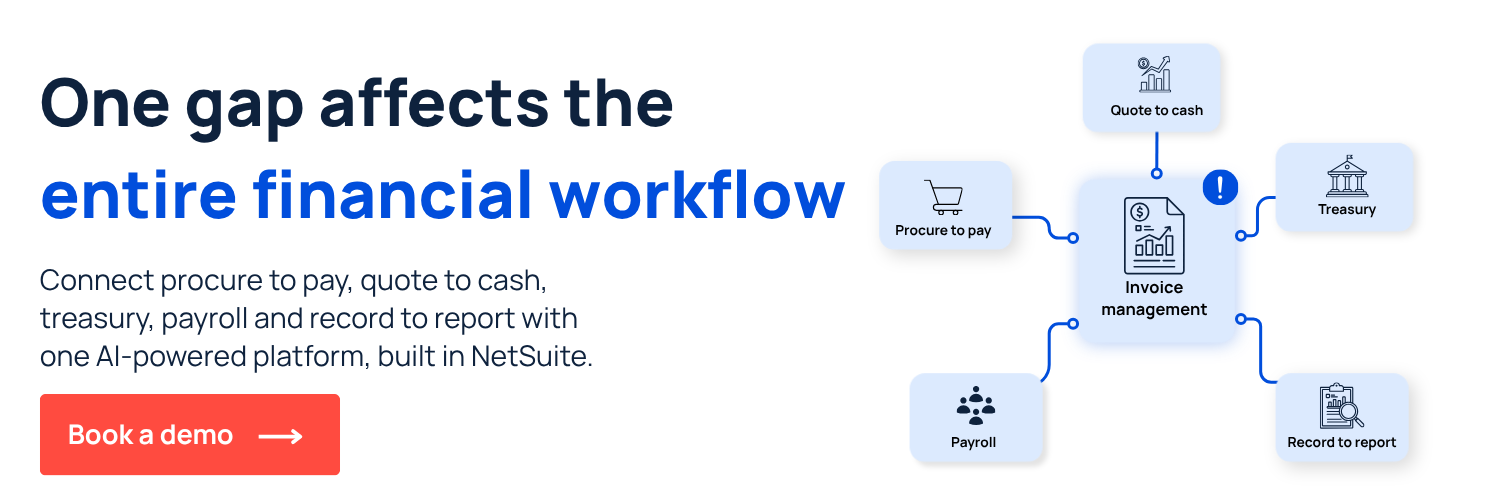
As with many AP processes, invoice management is just one piece of the entire financial workflow and if there are bottlenecks, delays or accuracy issues, then it ripples to downstream work like close, reconciliation, cash forecasting and more.
Common challenges with invoice management
Some usual issues that happen with invoice management are related to how invoices enter the workflow, how teams handle data extraction and how close the process sits to the ERP.
Fragmented intake and manual data entry
On some teams, invoices may arrive through multiple channels and many teams still key data into the ERP by hand. That creates inconsistency when different team members code the same vendor differently, amounts get transposed or line items get missed. Without a single intake point, coding standards are impossible to enforce and errors accumulate invisibly until close.
The intake problem also creates a visibility problem. If invoices aren't captured in one place, nobody has a reliable view of what's been received, what's pending and what's already been paid.
Approval delays and missing audit trails
When invoice approvals happen over email, there's no structured routing, no visibility into pending approvals and no enforceable deadline. Approvals stall when an approver is unavailable, when an email gets buried or when an invoice requiring multiple sign-offs circulates sequentially rather than in parallel. By the time the approval finally comes through, the payment window may have closed.
The audit trail problem compounds this. A scattered email chain is not a reliable record of who approved what and when. For any organization subject to audit, being able to drill back in records and see a complete history is crucial.
Disconnection from the ERP
Invoice management that lives outside NetSuite – in shared inboxes, spreadsheets or standalone tools – creates more reconciliation work at close. Teams must match external records against ERP entries manually, introducing errors and adding time to a process that should be largely automated.
How teams improve invoice management
Best-practice invoice management is centralized, automated and ERP-connected. Here's how finance teams build a process that holds at scale:
- Centralize invoice intake: Route all invoices through a single capture point – a dedicated AP email address, supplier portal or e-invoicing platform – so nothing enters the workflow through an informal channel.
- Automate GL coding with OCR and AI: Use AI and optical character recognition (OCR) to extract invoice data automatically and apply vendor-specific coding rules, eliminating manual keying and the errors it introduces.
- Validate against purchase orders: Match each invoice against the relevant PO and goods receipt before it proceeds to approval, catching discrepancies before they become payment errors.
- Enforce approval routing in the ERP: Replace email approvals with a system-defined matrix that routes invoices to the right approver by amount, department and vendor, with escalation rules for non-responses.
- Post directly to ERP without re-entry: Approved invoices should post to the ERP automatically, creating a complete audit trail and updating the AP balance in real time.
- Handle exceptions in a structured queue: Invoices that fail matching or require additional review should route to a dedicated exception queue – not back to email – so resolution is tracked and documented.
How ZoneCapture and ZoneApprovals automate invoice management
ZoneCapture and ZoneApprovals automate invoice processing directly inside NetSuite, so invoices move from capture to posting without leaving the ERP. Here’s what that looks like in practice:
- 83%+ faster invoice processing with AI and OCR that populates bill records, recognizes vendor details and uploads invoices directly.
- 90%+ fewer invoice processing errors with 3-way matching and compares invoices to POs.
- 25+ hours saved per week with centralized intake and automated approval routing.
- Approval by email to speed up workflows without extra NetSuite licenses
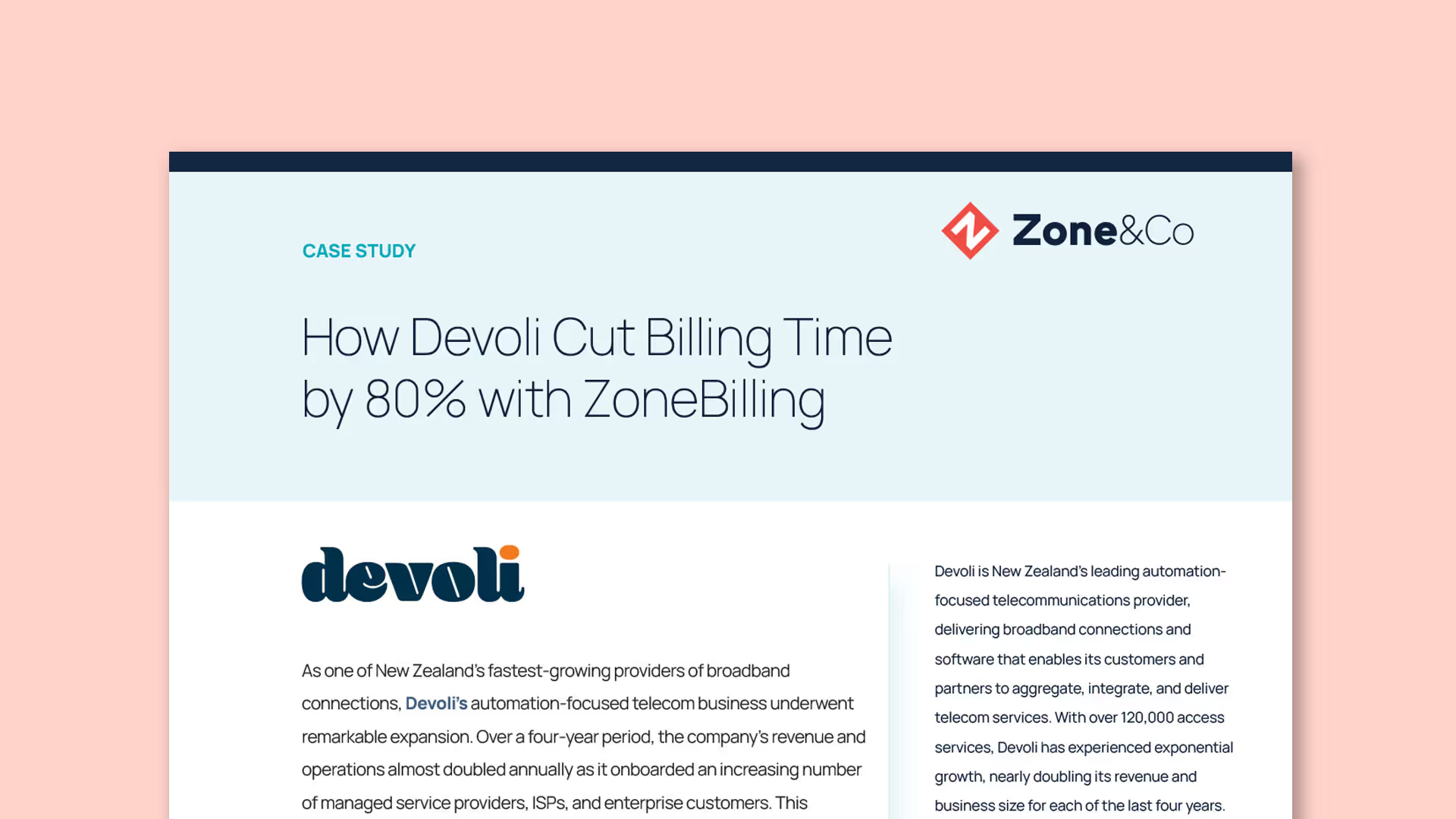
See how ZoneCapture and ZoneApprovals handle invoice processing inside NetSuite with a personalized demo.













.png)