
Master NetSuite Reporting in Excel: A Guide for CFOs and Finance Teams
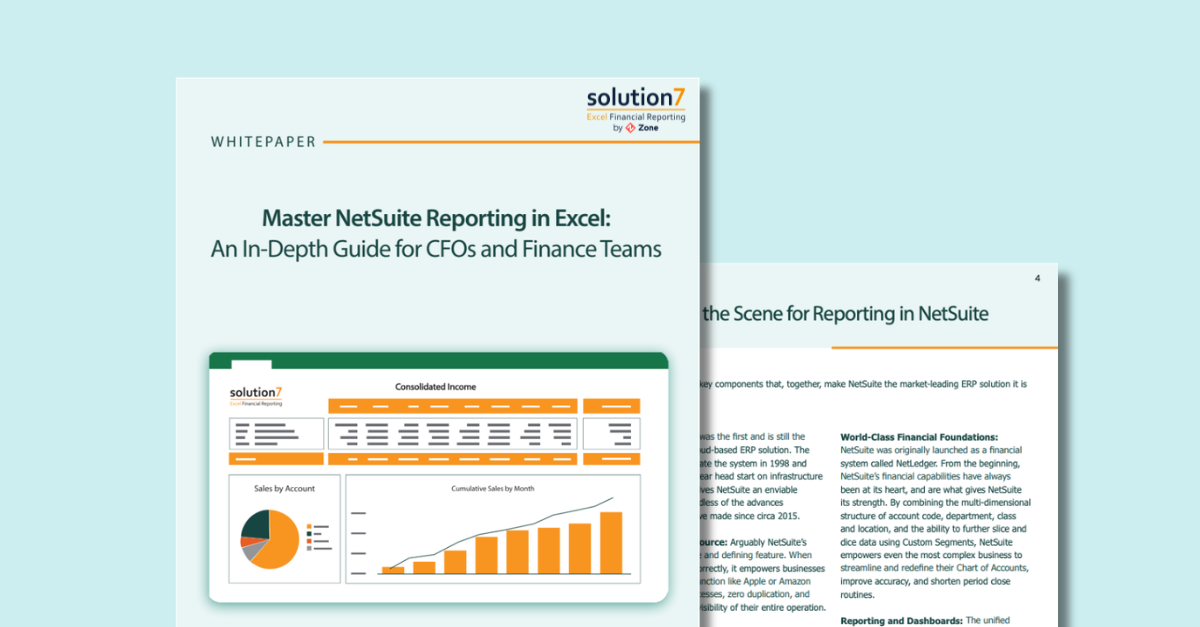
Unlock More Powerful Financial Reporting with NetSuite and Excel
Finance teams rely on NetSuite’s powerful ERP and reporting capabilities to manage complex financial data, but many organizations still struggle to present insights in flexible, accessible formats for stakeholders.
This whitepaper explores how finance leaders can combine the power of NetSuite with the flexibility of Excel to create dynamic financial reports, dashboards, and analysis tools that improve decision-making across the business.
Download this guide to learn how to extend NetSuite reporting into Excel using tools like Solution 7, enabling finance teams to build refreshable reports, drill into transaction-level data, and share insights with stakeholders who may not have direct NetSuite access.
What You’ll Learn
Inside this whitepaper, you’ll discover:
- How NetSuite’s reporting framework works and why it’s a powerful foundation for financial analysis
- Common NetSuite financial reporting challenges finance teams encounter
- When and why finance teams still rely on Excel for financial reporting
- How to create refreshable NetSuite dashboards and reports in Excel
- Ways to streamline board packs, forecasts, budgets, and financial templates
- How finance teams can drill down to transaction-level NetSuite data directly from Excel
Why Finance Teams Combine NetSuite with Excel
NetSuite provides a unified cloud ERP with a single source of financial data, customizable reports, and powerful dashboards.
However, finance teams often need additional flexibility to:
- Customize financial report layouts
- Add forecasting or “what-if” scenarios
- Share reports with executives and board members
- Combine NetSuite data with external datasets
- Build visual dashboards or pivot-based analysis
By integrating NetSuite data with Excel, finance teams can create flexible, refreshable reports and dashboards tailored to their business needs.
Who This Guide Is For
This whitepaper is designed for:
- CFOs and finance leaders looking to improve financial visibility
- Controllers and accounting teams responsible for financial reporting
- NetSuite users who want more flexible reporting capabilities
- Finance teams evaluating a NetSuite Excel connector
Whether you’re currently using NetSuite or considering it, this guide will help you understand how to enhance reporting workflows and unlock deeper insights from your financial data.
Build Better NetSuite Reports in Excel
With the right tools, finance teams can create live, refreshable financial dashboards in Excel that connect directly to NetSuite data. This allows teams to:
- Instantly refresh reports with live NetSuite data
- Build custom financial templates
- Drill down to transaction details
- Share reports with non-NetSuite users
- Automate board packs and management reports
The result? Faster reporting cycles, deeper analysis, and better financial decision-making.
Download the Whitepaper
Ready to improve your NetSuite reporting workflow?



Get a Personalized Demo Today
Start a conversation with an expert who asks thoughtful questions and shows you how Zone & Co can solve your unique problem.
