
Estimate your savings with our NetSuite Excel reporting ROI calculator
Calculate how much time your finance team could reclaim by connecting Excel to live NetSuite data — no exports, no rework, no version confusion.


How our NetSuite reporting ROI calculator works
Most reporting cost hides in the manual steps: exporting from NetSuite, pasting into Excel, fixing formulas and re-checking that everything still ties out. Our calculator puts a number on it.
Enter a few details about your team — how many people touch reporting, how much of their time goes to manual prep and what a reporting cycle looks like today. The calculator compares that against Solution 7 customer benchmarks, including the 2+ days finance teams save on month-end close with refreshable Excel templates connected to live NetSuite data. You'll see your estimated time savings, cost savings and annual ROI instantly. For a deeper look at your numbers, request a personalized savings report or book a demo.
The ROI of automated financial reporting: payback measured in weeks
The fastest returns show up at month-end close — and they compound from there. Guzman y Gomez, the fast-growing restaurant brand behind 250+ locations across four countries, was consolidating month-end results manually across hundreds of entities, with late adjustments forcing the team to restart reporting from scratch. With Solution 7, reporting that once landed five days after close is now available the moment the month closes, and their ROI was achieved within weeks.
That's the pattern across 1,500+ finance teams using Solution 7 for NetSuite Excel reporting: report frameworks get built once and refresh with one click, so reporting volume scales without adding headcount — even through IPO-level scrutiny and multi-entity growth. And because setup takes about an hour using the Excel and NetSuite skills your team already has, the payback clock starts on day one.
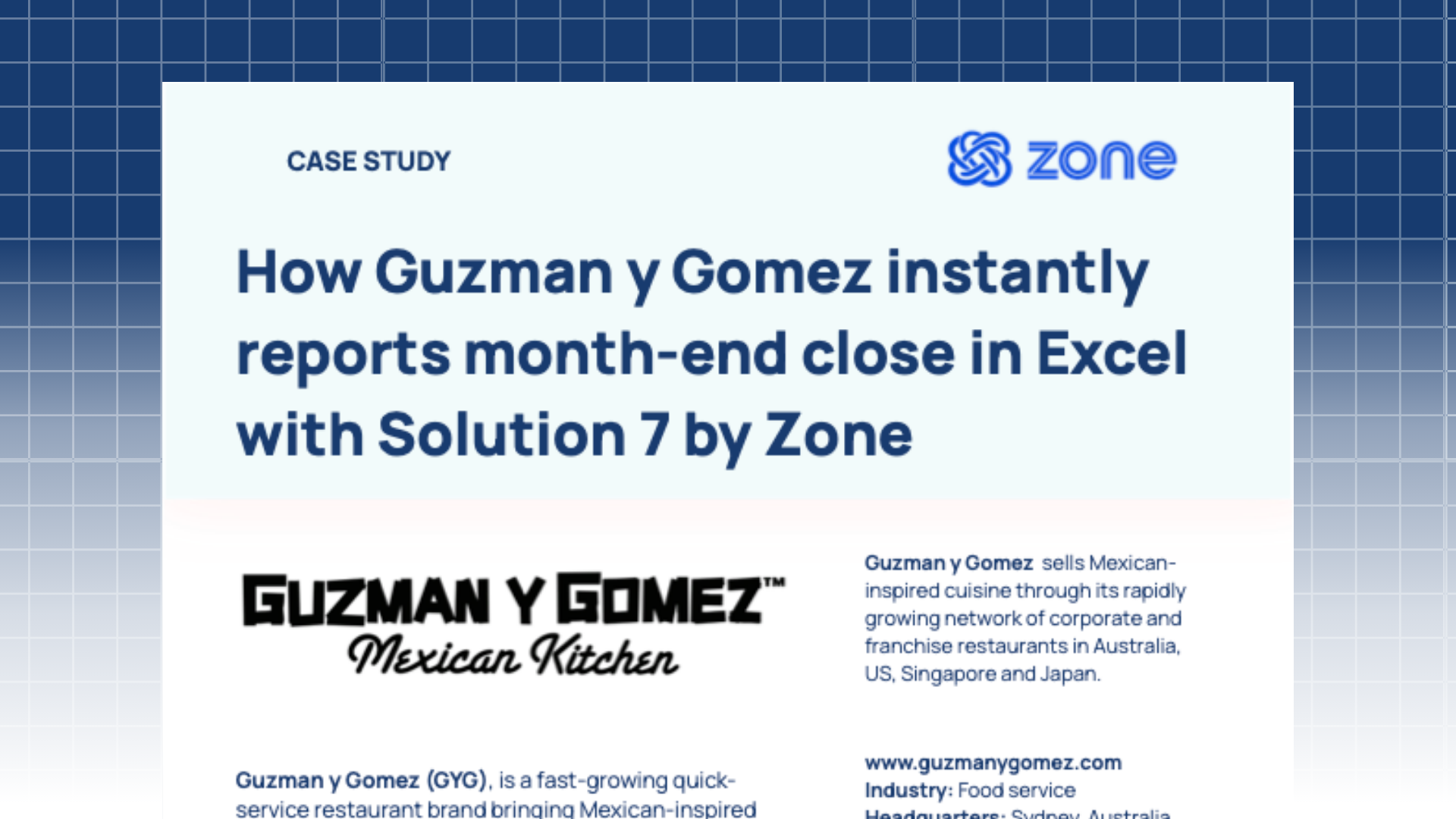
How our customers are seeing ROI in Zone's solutions



See Zone in action – inside NetSuite, for your use case.
Tried the AP automation ROI calculator? Take the next step with a custom demo to see how Zone fits your unique workflows – based on how you bill, approve, and report today.
Related resources to improve the ROI of AP automation
Frequently Asked Questions
Is a NetSuite Excel reporting tool worth it?Yes — for most finance teams, the ROI shows up within the first close cycle. A NetSuite Excel tool like Solution 7 removes the export-format-recheck loop entirely: reports refresh from live NetSuite data with one click, and customers report saving 2+ days on month-end close. Beyond time, the bigger payoff is accuracy and confidence — numbers always match the ERP, with drill-down to the transaction level.
How do I calculate the ROI of financial reporting automation?Start with your current cost: the hours your team spends exporting, formatting and reconciling reports each month, multiplied by fully loaded salaries. Then compare against automation benchmarks. Our calculator does this using real Solution 7 customer data, factoring in team size, reporting time and close frequency. Don't forget the harder-to-measure gains: fewer errors, faster answers for stakeholders and reporting capacity that scales without headcount.
How quickly does Solution 7 pay for itself?Faster than most finance software — because implementation takes about an hour, not months. Solution 7 installs directly in Excel and works with the NetSuite and Excel skills your team already has, so time savings start with your very first reporting cycle. Guzman y Gomez, for example, achieved ROI within weeks while cutting five days from month-end reporting.
What factors influence NetSuite reporting ROI?The biggest drivers are reporting volume, entity complexity and how manual your current process is. Teams consolidating across multiple entities, currencies or subsidiaries see outsized gains — that's where exports and version-control issues multiply fastest. If your team reports for boards, banks or investors in specific formats, presentation-quality output with no pre-formatting adds another layer of return.
