
What is invoice processing?
Put invoice processing into action → Book a demoInvoice processing is the workflow a finance team follows to receive, validate, approve and post vendor invoices in the accounting system, covering the steps from when an invoice arrives to when it is matched, approved and ready for payment.
Every invoice that enters the business needs to be captured accurately, coded correctly, matched to supporting documentation and authorized before payment. A breakdown at any stage creates risk downstream in the form of late payments, vendor disputes, duplicate entries and a close process that requires manual correction
Why invoice processing matters
Let’s say a vendor submits a PDF invoice for $12,400 Someone on the accounts payable (AP) team opens it, types the amount into NetSuite, assigns a GL code, checks it against the purchase order (PO) and emails it to the department head for approval. But what happens if the department head – and the only approver – is traveling? The invoice sits for four days. By the time it’s approved and posted, the payment run has already gone and the vendor is following up. The month-end close is now carrying an unposted liability that shouldn’t exist.
That sequence – and variations of it – is invoice processing. And it’s a common bottleneck in many finance teams’ full workflows. When invoices get caught up in approvals and processing, it ripples down to reconciliation, reporting and cash visibility.
Common invoice processing challenges for finance teams
Invoice processing is straightforward in theory – capture, validate, approve, post – but the operational layer is where manual dependencies, disconnected tools and approval bottlenecks create real risk at close.
Manual data entry creates downstream errors
When AP teams open PDFs and key invoice data by hand into NetSuite, every field is an opportunity for error. A transposed amount, a wrong GL code or a missed PO reference may not surface until the invoice is already approved and posted. Correcting it after the fact requires a manual journal entry, a revised approval trail and time the team doesn’t have at close.
Invoice intake has no single entry point
Without a standardized intake channel, invoices arrive via email, physical mail, vendor portals and direct uploads – often to different team members and in different formats, with no consistent starting point. The result is invoices that get missed, processed out of sequence or duplicated because no one had visibility into what was already in progress.
Approval routing depends on email
Email-based approval is the most common source of invoice delays. When an approver is traveling, out sick or the thread is simply buried, the invoice waits without any visibility into where it is or when it will move. Escalation rules don’t exist, so the AP team has to follow up manually. By the time the invoice clears, the payment run has already gone and the liability is sitting open at month-end.
PO matching is handled manually
Three-way matching — comparing the invoice against the purchase order and the goods receipt — is one of the most important controls in AP. When it’s done manually, it’s also one of the most time-consuming. Teams check line by line, flag discrepancies by hand and route exceptions back to the requestor over email. At volume, this creates a backlog that grows faster than it can be cleared.
Exceptions lack a structured resolution path
When an invoice fails validation — a PO mismatch, a duplicate, a missing reference — it often goes back to email for resolution. There’s no queue, no ownership and no audit trail of what happened or who resolved it. Exceptions that should take minutes to resolve instead sit for days, and the close team has no way to tell how many are outstanding at any given point.
How teams improve invoice processing
Improving invoice processing means removing the manual steps that create errors and delays. Here’s how best-practice teams approach it:
- Standardize the intake channel: Route all invoices through a single capture point – a dedicated AP email address or supplier portal – so every invoice enters the same workflow from the start.
- Automate data extraction with OCR: Use optical character recognition (OCR) or AI-based capture to extract invoice data automatically, eliminating manual keying and the coding errors it introduces.
- Enforce PO matching before approval: Compare every invoice against its purchase order and goods receipt automatically, flagging discrepancies for human review rather than passing them through to payment.
- Route approvals through a system-defined matrix: Replace email approvals with a workflow that routes each invoice to the correct approver based on amount, department and vendor with escalation rules for non-responses.
- Post directly to NetSuite without re-entry: Approved invoices should post automatically in the process, updating the AP balance and creating an audit trail without additional manual steps.
- Handle exceptions in a structured queue: Invoices that fail matching or need extra review should route to a dedicated exception queue, not back to email, so resolution is tracked and documented.
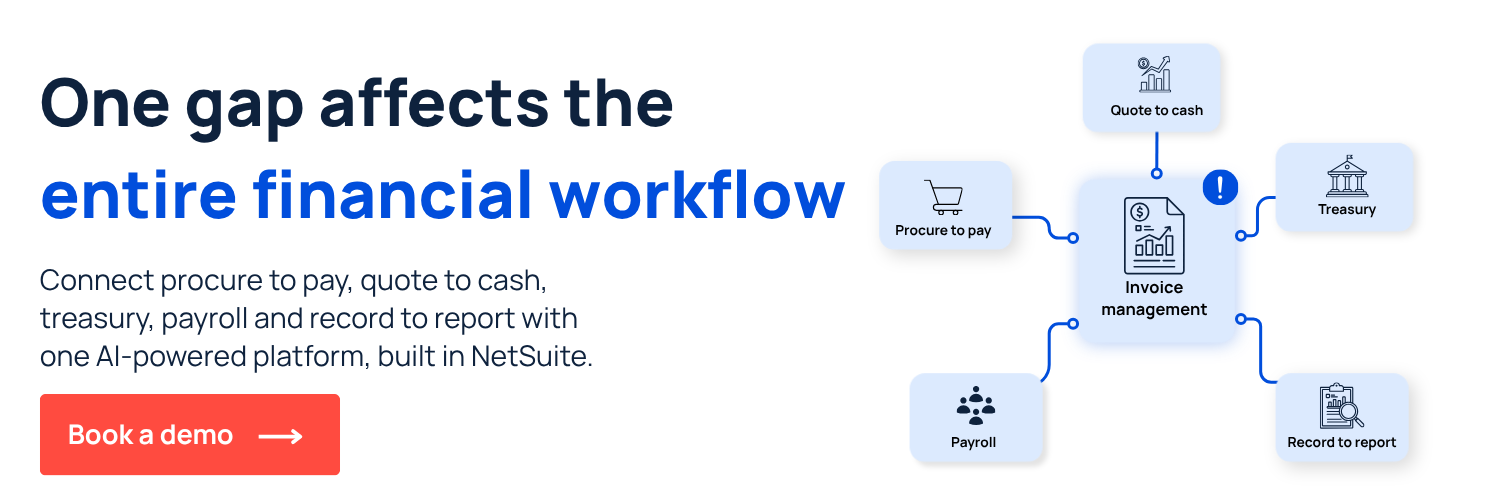
Automate invoice processing with ZoneCapture and ZoneApprovals
ZoneCapture and ZoneApprovals automate invoice processing directly inside NetSuite, so invoices move from capture to posting without leaving the ERP. Here’s what that looks like in practice:
- 83%+ faster invoice processing with AI and OCR that populates bill records, recognizes vendor details and uploads invoices directly.
- 90%+ fewer invoice processing errors with 3-way matching and compares invoices to POs.
- 25+ hours saved per week with centralized intake and automated approval routing.
- Approval by email to speed up workflows without extra NetSuite licenses
See how ZoneCapture and ZoneApprovals handle invoice processing inside NetSuite with a personalized demo.














.png)

