
What is an invoice approval workflow?
Automate your invoice approvals → Book a demoAn invoice approval workflow is the structured process a company uses to review, authorize and approve vendor invoices before payment is released – defining who reviews each invoice, in what order, under what conditions and what happens when an invoice is disputed or requires escalation.
The approval workflow is the primary control point in the accounts payable (AP) process. When it works, AP teams catch errors before they become payments and every authorization is documented. But for many times, approvals happen over email, routing is informal, exceptions are managed ad hoc, which causes errors to slip through, payment windows to be missed and audit trails to become unreliable.
Why the invoice approval workflow matters
The invoice needs sign-off from the marketing director before it can be posted and included in the Friday payment run, so the AP team sends an email. But the director is in back-to-back meetings. So the email sits until Monday, the payment run is missed, the vendor follows up, the AP team apologizes and manually adds the invoice to the next run. Two weeks later the same sequence happens with a different invoice and a different approver.
A well-designed invoice approval workflow prevents this from happening systematically – not just occasionally. Automating invoice processing and approvals doesn’t just speed up these steps in the process, it makes the entire AP function more controllable.
Common invoice approval workflow challenges
Approval workflows break down in predictable ways. Most finance teams know where the problems are, they just don’t have a system-enforced process to prevent them from recurring. Here’s where the failures typically happen.
Email-based routing creates invisible queues
When approvals route over email, there’s no visibility into what’s pending, no deadline enforcement and no fallback when an approver is unavailable. Invoices sit in inboxes without any signal to the AP team that they’re stuck. By the time someone follows up, the payment window is already missed and the vendor is already following up.
Missing escalation rules mean manual follow-up
Without automatic escalation, the AP team becomes the escalation path. When an approver doesn’t respond, someone has to find them, remind them and track the outcome manually. That overhead compounds across every invoice that hits an unavailable approver, which, in most teams, happens multiple times a week.
Unclear approval authority creates ad hoc decisions
When the approval matrix isn’t documented and enforced by the system, approvers make informal judgments about whether an invoice falls within their authority. The result is inconsistent authorization, approvals that should have gone further up the chain and an audit trail that reflects who happened to respond rather than who was supposed to.
No audit trail without a system of record
Email-based approvals leave no reliable audit trail. When an auditor asks who authorized a payment, the answer depends on whether the email chain still exists, whether anyone can find it and whether the context is clear. A system-enforced approval log removes that dependency entirely.
How teams improve their invoice approval workflows
Automating the invoice approval workflow means replacing informal email routing with a system-enforced process. Here’s how finance teams do it:
- Document the approval matrix: Define who approves what – by invoice amount, department, vendor category and cost centre – before automating anything. The system enforces the rules you configure; the rules need to reflect your actual authorization structure.
- Configure routing rules in the ERP: Build the approval matrix into the enterprise resource planning (ERP) platform so invoices route automatically to the correct approver without AP team intervention after the coding step.
- Set escalation rules for non-responses: If an approver doesn’t respond within a defined window – 24 or 48 hours – the invoice should escalate to their manager automatically, without the AP team having to follow up manually.
- Enable email-based approval without a NetSuite login: Approvers should be able to approve or reject invoices directly from an email notification, reducing friction and improving response time for non-finance approvers.
- Log every approval decision with a timestamp: Every approval, rejection and delegation should be recorded automatically inside NetSuite – creating an audit trail that doesn’t depend on anyone reconstructing email chains.
- Route exceptions to a structured queue, not back to email: Invoices that fail matching or require additional review should go to a dedicated exception queue with context already visible, so resolution is faster and documented.
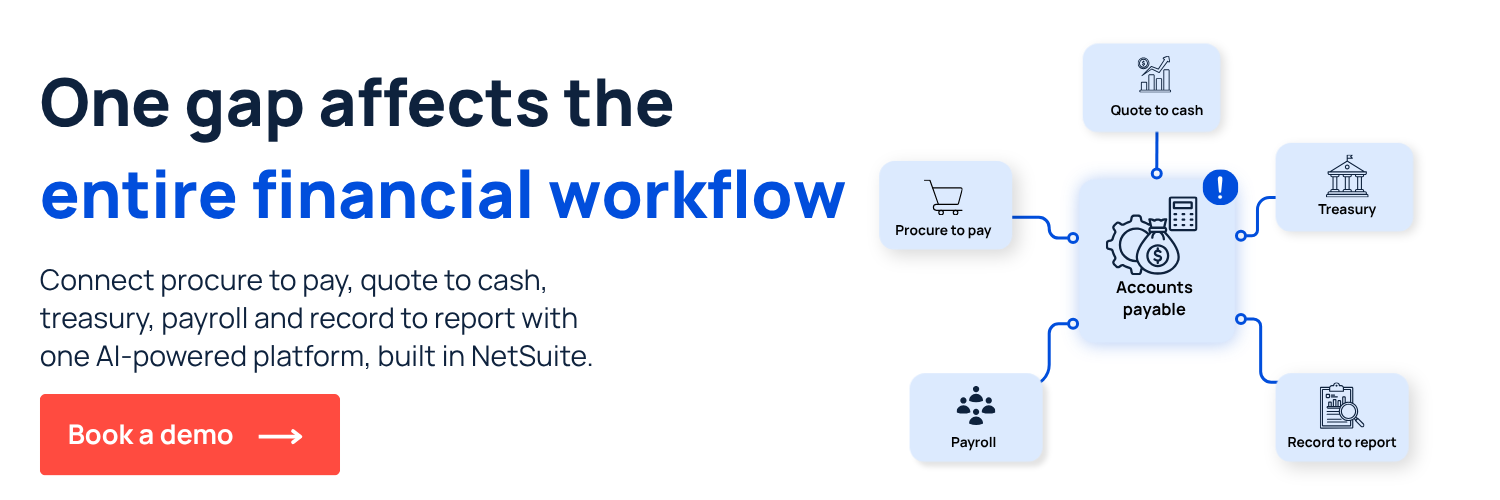
How ZoneApprovals automates the invoice approval workflow
ZoneApprovals automates invoice routing and approval enforcement directly inside NetSuite. Invoices are captured, GL-coded and routed automatically based on the approval matrix. Approvers receive structured notifications, approvals are tracked in real time and exceptions go to a structured queue. Every approval decision is logged automatically for audit.
- Flexible approval routing: ZoneApprovals routes each invoice to the correct approver automatically based on a configurable matrix. The drag-and-drop interface makes it easy to build and maintain approval logic without custom scripting.
- Approval by email: Approvers can approve or reject invoices directly from an email notification without logging into NetSuite. Decisions are logged automatically, so remote approvers don’t slow down the workflow and every action stays traceable.
- Automated delegation and escalation: When an approver is unavailable, ZoneApprovals reroutes automatically so invoices keep moving. Overdue thresholds trigger escalation without AP team intervention, eliminating the manual follow-up loop.
- Bulk approval management: Approvers can action hundreds of transactions at once through a single interface, reducing the time cost of high-volume approval queues without sacrificing control.
See how ZoneApprovals works inside NetSuite and the broader procure-to-pay flow by booking a demo today.














.png)

